Things You Should Know About IP2 Network
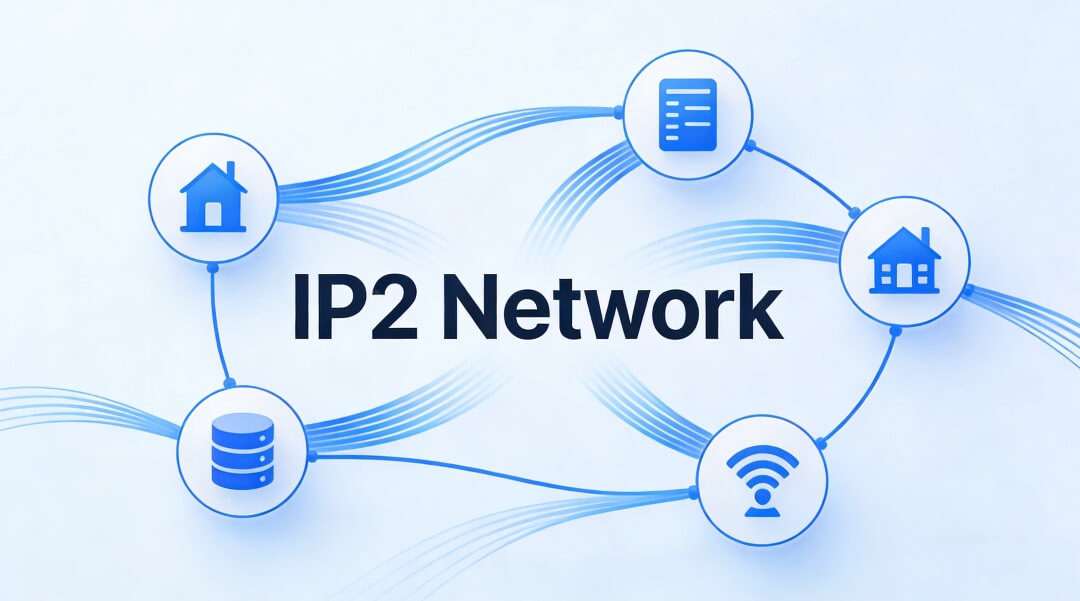
An IP2 Network is a system that collects and organizes information about IP addresses, such as location, network owner, and whether the IP is linked to a proxy or VPN. Many websites and apps rely on IP2 Network data to make everyday decisions, from showing local prices to checking if a login looks safe.
If you’ve ever wondered how a website knows your country or why some connections are treated as “high risk,” IP2 Network is often the reason. This guide explains IP2 Network in simple terms, how it works, and what it means if you use proxies—especially dynamic residential proxies like IPOASIS. No technical background is required.
What Is an IP2 Network?
An IP2 Network turns raw IP addresses into useful information.
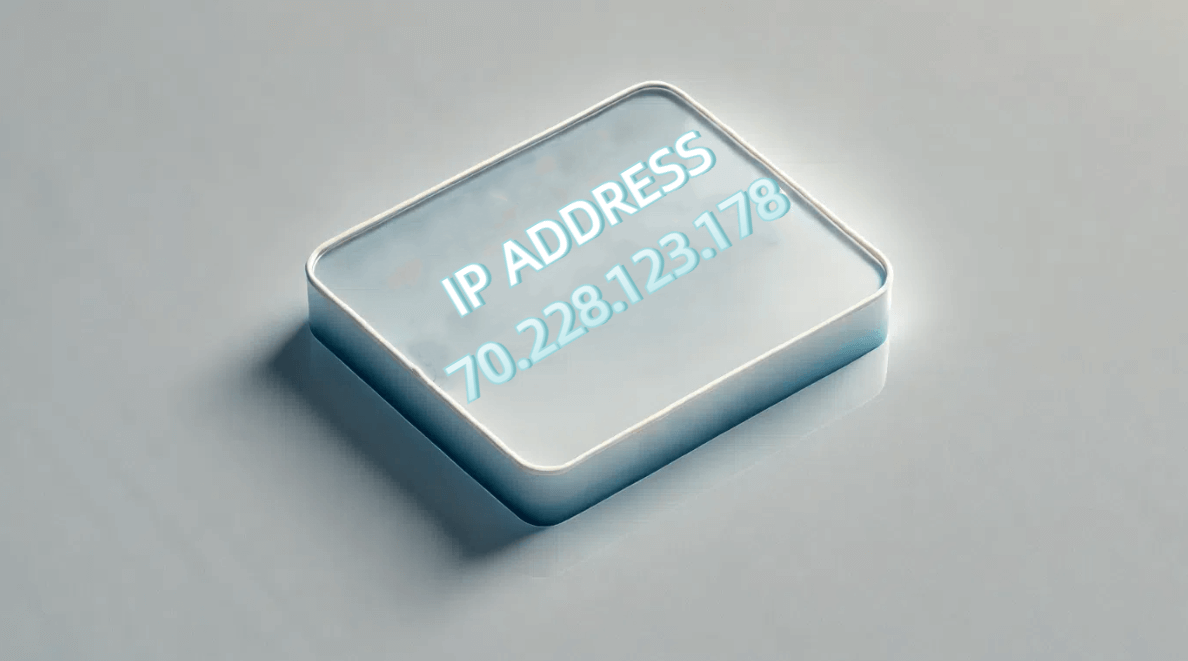
Instead of seeing an IP as a long string of numbers, IP2 Network tools translate it into details like:
- Where the IP is located
- Which network owns it
- Whether it looks like a normal home connection or something else
For users, this means smoother online experiences. For businesses, it means better security checks, clearer location data, and fewer mistakes when handling traffic from different regions.
In short, IP2 Network helps websites understand who is connecting and from where, without digging into personal data.
Core Components of IP2 Network
An IP2 Network is built from several key data points. Here are the most important ones, explained in plain language.
1. IP Geolocation Data
This links an IP address to a physical area, such as a country or city. Websites use this to show local language, prices, or regional content.
2. Proxy and VPN Detection
This checks whether an IP comes from a proxy or VPN. It helps platforms reduce abuse and understand connection types.
3. ASN and Carrier Information
ASN is a unique code for the network that owns the IP, like an internet provider or mobile carrier.It shows whether an IP comes from a home network, a phone network, or a company system.
4. WHOIS Records
WHOIS data shows who registered the IP range.This is useful for tracing unusual activity or confirming network ownership.
Together, these components give a full picture of how an IP behaves online.
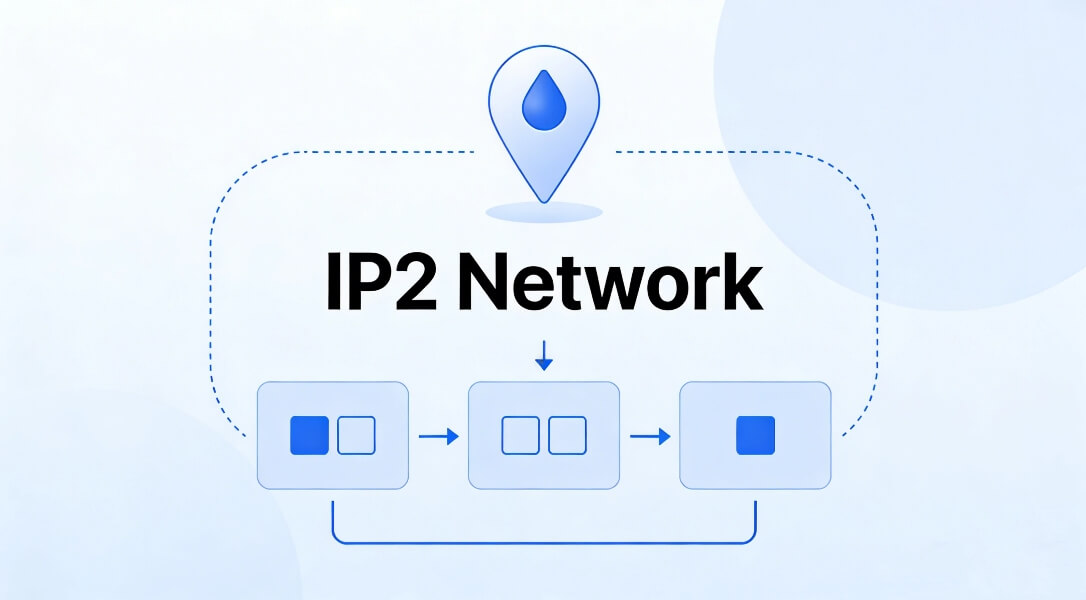
How Does IP2 Network Work?
Even though the data sounds complex, the process is simple.
- Data Collection: IP2 Networks gather information from internet providers, public records, and trusted data partners.
- Data Organization: The raw data is sorted into databases or simple tools that websites and apps can use quickly.
- Constant Updates: IP addresses change often. Good IP2 Network providers update their data regularly to avoid errors, such as wrong locations or outdated network labels.
This is why fresh data matters. Old IP data can lead to false flags or poor user experiences.
Why IP2 Network Is Used So Widely
IP2 Network tools are used in many safe, everyday scenarios.
- Cybersecurity Checks: Companies review IP details to spot unusual access patterns.
- Content Localization: Online stores use IP2 Network data to show the correct currency, language, or shipping options.
- Marketing Analytics: Teams analyze which regions interact most with their content.
- Compliance Support: Some platforms rely on IP location data to follow regional rules and agreements.
All of these uses depend on accurate and up-to-date IP information.
IP2 Network and Proxies: What You Should Know
Not all proxies interact with IP2 Network systems in the same way.
Many free or low-quality proxies are flagged because they use shared or artificial IPs. These IPs often appear in IP2 Network databases as “high risk” or non-residential.
A dynamic residential proxy, on the other hand, uses real household IP addresses that rotate over time. Because these IPs come from actual home networks, IP2 Network tools usually recognize them as normal user connections.
For example, IPOASIS dynamic residential proxies use real residential IPs instead of datacenter ones. This helps IP2 Network systems correctly identify the IP’s location and network type, reducing false signals caused by poor-quality proxy sources.
Real-World Example: Combine IP2 Network with Residential Proxies
A marketing team needed to review how their website appeared in different cities.
Using a dynamic residential proxy from IPOASIS, they connected through real household IPs. When checked through an IP2 Network tool, the location data matched the exact city being tested. This allowed the team to see accurate local content without confusing or mismatched results.
The key reason it worked: the IPs looked natural to IP2 Network systems.
Practical Tip: Choosing IP2 Network Tools That Work Well with Proxies
If you use proxies alongside IP2 Network data, look for tools that:
- Update IP records frequently
- Correctly recognize real residential IPs
- Avoid labeling genuine household connections as suspicious
This helps prevent errors like wrong locations or incorrect proxy flags.
Common Questions About IP2 Network
1. Is IP2 Network accurate?
- Yes, when the data is fresh. Accuracy depends on how often the provider updates IP records.
2. Do I need technical skills to use IP2 Network?
- No. Many services offer simple dashboards or ready-to-use tools.
3. How is IP2 Network different from a basic IP lookup?
-Basic lookups show location only. IP2 Network adds network type, ownership, and proxy detection.
Risk Reminders and Best Practices
- Always use IP2 Network tools and proxies in line with local laws and website rules.
- Avoid IP data services that rely on outdated databases. Old data causes mistakes.
- Free proxies are often flagged by IP2 Network systems. For stable results, a trusted dynamic residential proxy like IPOASIS is a safer choice.
Final Thoughts
IP2 Network plays a quiet but important role in how the internet works. It helps websites understand IP addresses, improve security, and deliver local experiences.
When combined with high-quality tools—especially dynamic residential proxies—IP2 Network data becomes more accurate and more useful. Understanding how these systems work together helps users and businesses make better, safer decisions online.