What Is an HTTP Proxy? A Simple Guide for Beginners
Every time you visit a website, your device sends a request directly to that site's server — and the server sees exactly who you are, where you're located, and what you're asking for. An HTTP proxy sits between you and the website, handling that request on your behalf. It's one of the most widely used tools in networking, web scraping, privacy management, and business automation — and understanding how it works is the first step toward using it effectively.
What Is an HTTP Proxy?
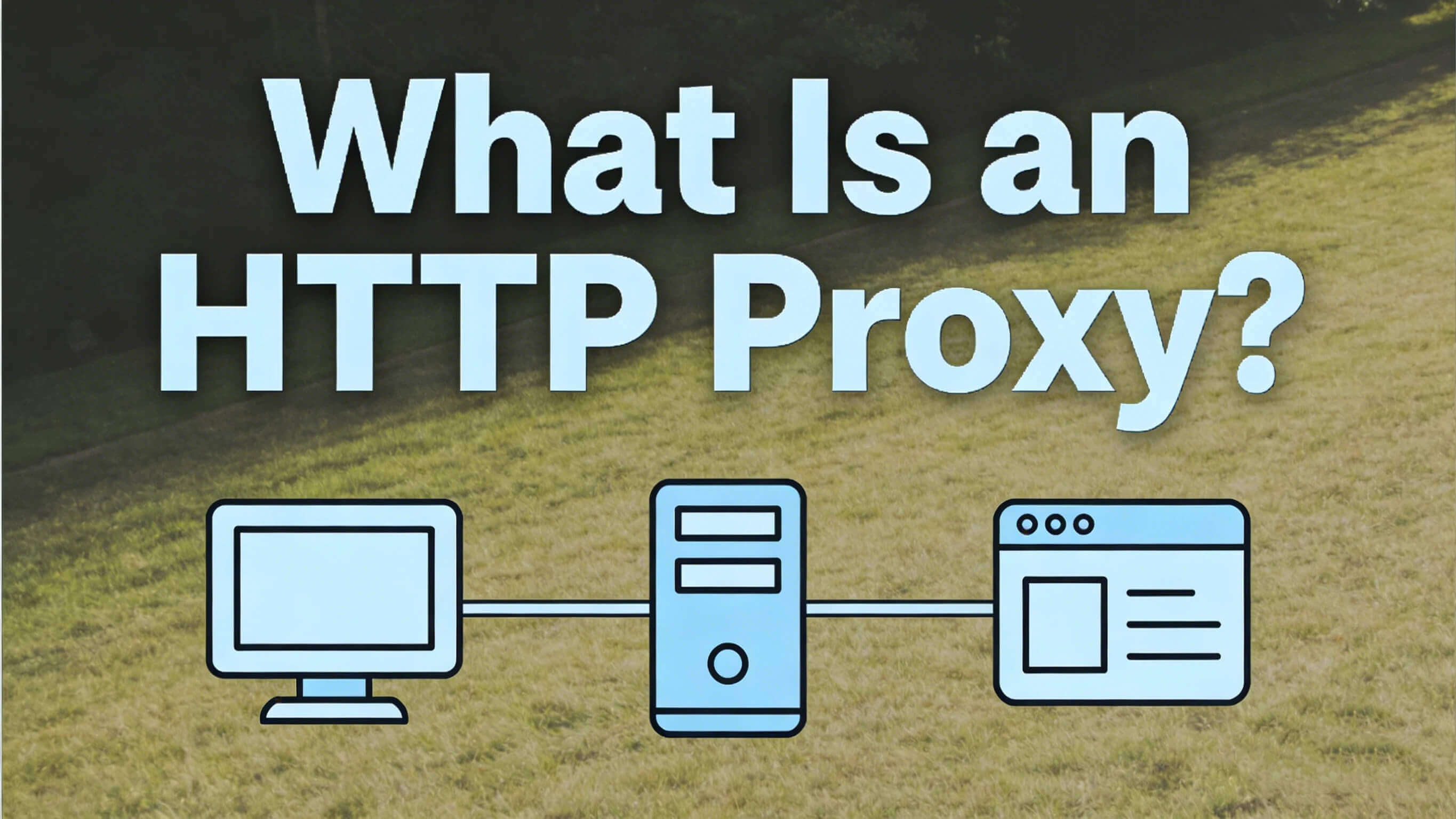
An HTTP proxy is a server that acts as an intermediary between your device (the client) and the websites you want to access. Instead of your browser connecting directly to a website, it connects to the proxy server first. The proxy then forwards your request to the target website, receives the response, and sends it back to you.
The website sees the proxy's IP address — not yours.
A simple analogy: Imagine you want to send a letter but don't want the recipient to know your home address. You give the letter to a trusted friend, who sends it from their address instead. The HTTP proxy is that friend.
Who uses HTTP proxies?
- Developers and data engineers building web scrapers
- Businesses verifying ads and monitoring competitor pricing
- Security teams filtering and monitoring outbound web traffic
- Individuals accessing geo-restricted content
- Marketing teams managing multiple social media accounts
How Does an HTTP Proxy Work?
The process is straightforward, and it happens in milliseconds:
- Step 1 — Your browser sends a request You type a URL or click a link. Instead of going directly to the website, your request goes to the proxy server you've configured.
- Step 2 — The proxy evaluates and forwards the request The proxy server receives your request. It may cache the content (if it's seen this request before), filter it (if rules are configured), or simply forward it to the target web server.
- Step 3 — The website responds to the proxy The target website processes the request as if it came from the proxy server's IP address. It sends the response — HTML, images, data — back to the proxy.
- Step 4 — The proxy returns the response to you The proxy passes the content back to your browser. From your perspective, the experience looks identical to a direct connection.
What HTTP proxies can and can't see: HTTP proxies can read and modify the content of unencrypted HTTP traffic. This is why they're used for caching and content filtering in corporate networks. However, they cannot read the content of HTTPS traffic — they can only see that a connection was made, not what was transmitted.
HTTP Proxy vs HTTPS Proxy vs SOCKS Proxy
These three proxy types are often confused. Here's a clear breakdown:
When to use each:
Use an HTTP proxy when you're scraping public web data, running browser automation, or need fast, lightweight routing for HTTP requests.
Use an HTTPS proxy (often called an HTTP CONNECT proxy) when you need to route encrypted web traffic — for example, logging into accounts or accessing HTTPS-only sites.
Use a SOCKS proxy (SOCKS5 specifically) when you need to handle non-web traffic — UDP connections, email, FTP, or any protocol that isn't HTTP-based. SOCKS5 also supports authentication and is commonly used for privacy-sensitive applications.
Common Use Cases of HTTP Proxies
Web Scraping and Data Collection
HTTP proxies are the backbone of large-scale web scraping. When a scraper makes thousands of requests to the same website, the site's servers detect the pattern and block the originating IP. By routing requests through a pool of different proxy IPs — each one appearing to be a unique user — scrapers can operate continuously without triggering rate limits or bans.
Ad Verification
Digital marketers use HTTP proxies to check how their ads appear in different countries, on different devices, and for different audience segments. Without proxies, an advertiser in one location can't see what their ad looks like to a user in another market — or verify that it's actually being displayed correctly.
Accessing Geo-Restricted Content
Many websites serve different content based on the visitor's location. HTTP proxies with IPs in specific countries let users and businesses access regionally restricted content, check local search rankings, or test localized websites during development.
Managing Multiple Accounts
Platforms like Amazon, eBay, Instagram, and LinkedIn flag and ban accounts that appear to be operated from the same IP address. Businesses managing multiple seller accounts, social profiles, or automation tools use HTTP proxies to assign each account a distinct IP identity, preventing cross-account association.
Corporate Security and Traffic Filtering
IT teams deploy HTTP proxy servers within company networks to monitor outbound traffic, enforce browsing policies, block malicious websites, and log access for compliance purposes. In this context, the proxy is a security layer between employees and the public internet.
Price Monitoring and Competitive Intelligence
E-commerce businesses use HTTP proxies to continuously monitor competitor pricing, inventory levels, and product listings — data that's often blocked or rate-limited when requests come from the same IP repeatedly.
Advantages and Limitations of HTTP Proxies
Advantages
- IP masking: The target server sees the proxy's IP, not yours
- Access control: Enables access to geo-restricted or rate-limited content
- Caching: Frequently accessed content can be stored at the proxy, reducing load times and bandwidth
- Traffic filtering: Useful for corporate environments to block unwanted content
- Scalability: Proxy pools allow large-scale automation without IP blocks
Limitations
- No encryption of HTTP traffic: Standard HTTP proxies don't encrypt your requests. If someone intercepts traffic between you and the proxy, they can read it
- Protocol limitation: HTTP proxies only handle HTTP/HTTPS traffic, not other protocols
- Not a full anonymity solution: Poorly configured proxies can leak your real IP through headers like X-Forwarded-For
- Performance overhead: Adding an intermediary server introduces some latency, though it's usually minimal with quality providers
- Detection risk with low-quality IPs: Datacenter IP ranges are well-known and easily blocked by sophisticated websites
HTTP Proxy Setup: Beginner-Friendly Configuration
Setting Up in a Browser (Chrome / Firefox)
Most proxy providers give you four things: a host address, a port number, a username, and a password.
Chrome (via System Settings):
- Go to Settings → System → Open your computer's proxy settings
- Under Manual proxy setup, toggle on "Use a proxy server"
- Enter the host address and port
- Save and restart Chrome
Firefox:
- Go to Settings → General → scroll to Network Settings → click Settings
- Select "Manual proxy configuration"
- Enter your HTTP proxy host and port
- Check "Also use this proxy for HTTPS" if needed
Using Proxies in Python (requests library)
proxies = {
"http": "http://username:password@proxy-host:port",
"https": "http://username:password@proxy-host:port",
}
response = requests.get("https://target-site.com", proxies=proxies)
Using Proxies in Playwright / Puppeteer
const browser = await chromium.launch({
proxy: {
server: "http://proxy-host:port",
username: "your-username",
password: "your-password",
}
});
For rotating proxy setups, the proxy host and port typically stay the same — the provider handles IP rotation on the backend. You just send all requests to the same gateway.
Choosing the Right Proxy Type
Understanding the differences between proxy types is essential before committing to a setup.
Datacenter Proxies
IPs hosted in commercial data centers. They're fast and inexpensive, but their IP ranges are well-documented. Most major websites maintain blocklists of known datacenter IPs. For casual use they work fine; for scraping platforms with strong anti-bot systems, they fail quickly.
Static Residential Proxies
Real IP addresses assigned by ISPs to home users, but held fixed for your use. They look like legitimate home connections, so they're much harder to detect and block. Useful when you need a consistent identity — like maintaining a logged-in session or managing a single account.
Dynamic Residential Proxies
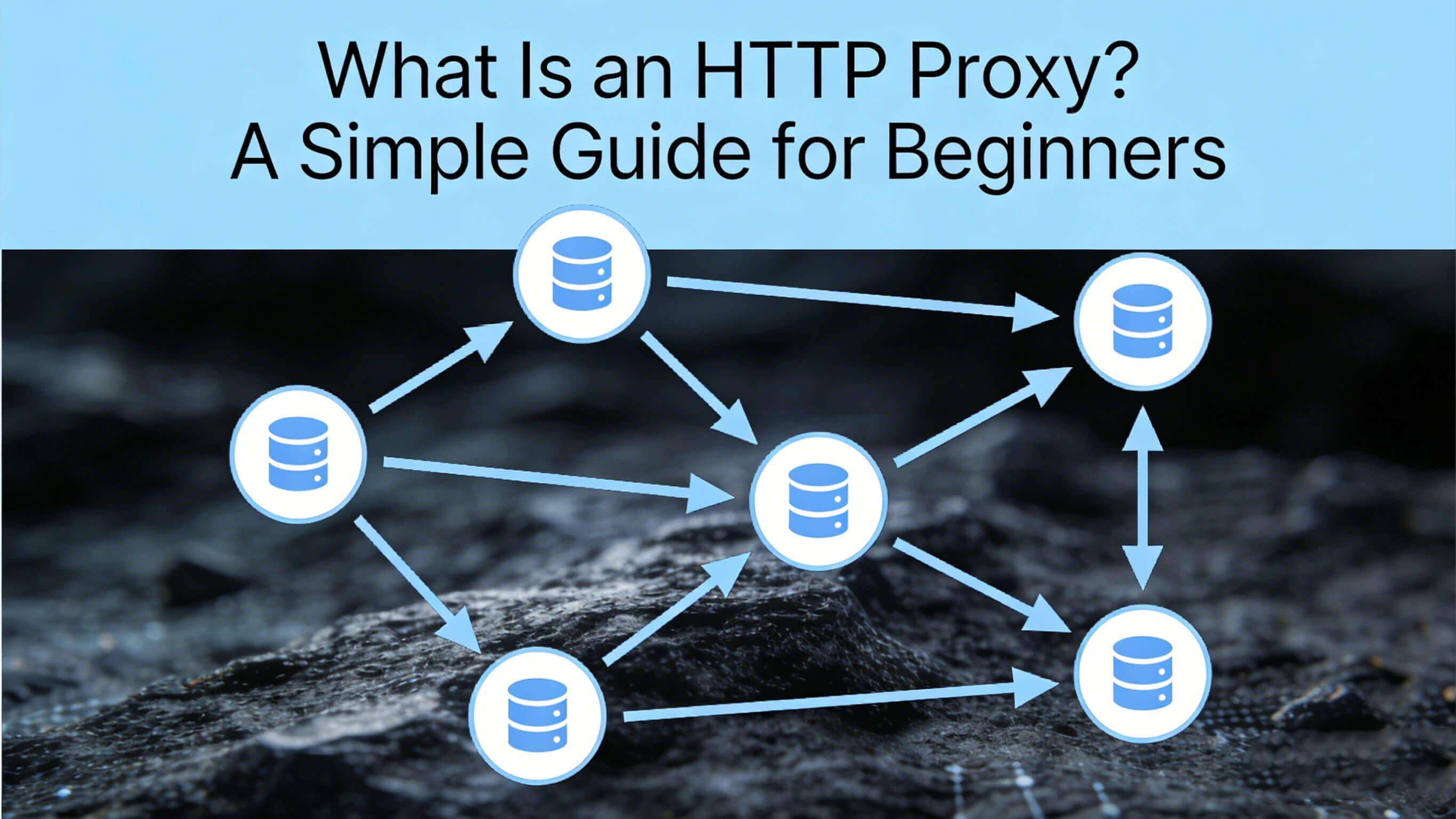
A pool of real ISP-assigned IPs that rotate automatically between requests or sessions. This is the most effective setup for high-volume scraping, multi-account workflows, and any task where using the same IP repeatedly would trigger detection. Each request appears to come from a different real user in the target location.
IPOasis specializes in dynamic residential proxy infrastructure — with city-level geo-targeting, configurable session persistence (sticky or rotating), and a pool of authentic ISP-assigned IPs. For workflows where proxy quality directly determines whether your data collection succeeds or fails, the IP source matters as much as the architecture.
Common Mistakes When Using HTTP Proxies
This is where most users go wrong — and where many guides stop short.
Using Free Proxies
Free proxy lists are dangerous. They're typically overcrowded, unreliable, slow, and — in many cases — operated by malicious actors who log your traffic. For any serious use case, free proxies introduce more risk than they solve.
Ignoring IP Reputation
Not all residential IPs are equally clean. An IP that's been heavily used for spam, credential stuffing, or previous scraping campaigns will be pre-blocked on many platforms before you even send your first request. Quality proxy providers maintain and rotate pools to minimize burned IPs.
Rotating IPs Too Aggressively for Session-Based Tasks
Rotating your IP on every request is great for scraping public data. But for tasks that require session continuity — logging into an account, completing a multi-step checkout, filling out forms — rapidly changing IPs looks suspicious and will trigger security flags. Match your rotation strategy to the task: per-request rotation for stateless scraping, sticky sessions for account-based workflows.
Using HTTP Proxies Where HTTPS is Required
Sending login credentials, payment data, or any sensitive information over an unencrypted HTTP proxy is a significant security risk. Always use HTTPS proxy tunneling or SOCKS5 for sensitive tasks.
Mismatching Proxy Location and Browser Timezone
A proxy IP in Germany combined with a browser timezone set to Asia/Shanghai is an immediate red flag for anti-bot systems. If you're using proxies for account management or automation, ensure your browser environment (timezone, language, screen size) matches the proxy's reported location.
Underestimating Header Leakage
Misconfigured HTTP proxies can pass identifying headers — like X-Forwarded-For or Via — to the target server, revealing your real IP or the fact that you're using a proxy. Always verify your proxy's header behavior before deploying in a sensitive workflow.
Frequently Asked Questions
What is an HTTP proxy used for?
HTTP proxies are used for web scraping, ad verification, accessing geo-restricted content, managing multiple accounts, and corporate security filtering. They route web traffic through an intermediary server, masking the originating IP address and enabling tasks that would otherwise be rate-limited or blocked.
Is an HTTP proxy safe?
It depends on the provider and use case. HTTP proxies don't encrypt traffic by default, so they aren't a privacy solution for sensitive browsing. For operational use cases like scraping and account management, quality residential proxies are safe and reliable. Free or unknown proxies carry real security risks.
What is the difference between HTTP and HTTPS proxy?
An HTTP proxy handles unencrypted HTTP traffic and can inspect or modify request content. An HTTPS proxy (using the CONNECT method) creates an encrypted tunnel for HTTPS connections — it can see that a connection was made but cannot read the content. Both are often supported through the same proxy server configuration.
Can I use an HTTP proxy for web scraping?
Yes — HTTP proxies are the standard infrastructure for web scraping at scale. The key is using high-quality residential IPs with appropriate rotation. Datacenter proxies are blocked quickly by sophisticated sites; rotating residential proxies distribute requests across many real IP addresses, making the traffic pattern indistinguishable from organic user behavior.
Which proxy type is best for managing multiple accounts?
Static or sticky dynamic residential proxies work best for multi-account management. Each account should be assigned a dedicated IP that doesn't change between sessions, paired with an isolated browser profile. Per-request rotation is inappropriate for this use case — session consistency is what keeps accounts from triggering security flags.
Conclusion
An HTTP proxy is fundamentally simple: it sits between your device and the internet, forwarding requests on your behalf. But choosing the right type, configuring it correctly, and avoiding common pitfalls is what separates a workflow that runs reliably from one that gets blocked on the first day.
The core decisions to get right:
- HTTP vs HTTPS vs SOCKS: Match the protocol to your use case
- Datacenter vs residential: For anything that gets blocked, residential IPs are the practical choice
- Rotation strategy: Per-request for scraping, sticky sessions for account-based tasks
- IP quality: The source and history of your proxy IPs matter as much as the infrastructure around them
Whether you're building a data pipeline, verifying global ad campaigns, or managing accounts at scale, starting with a clear understanding of how HTTP proxies work — and where each type belongs — will save you significant time debugging failures that are really just configuration problems in disguise.