Amazon Scraper: Pull ASIN, Price, and Stock From Product Pages
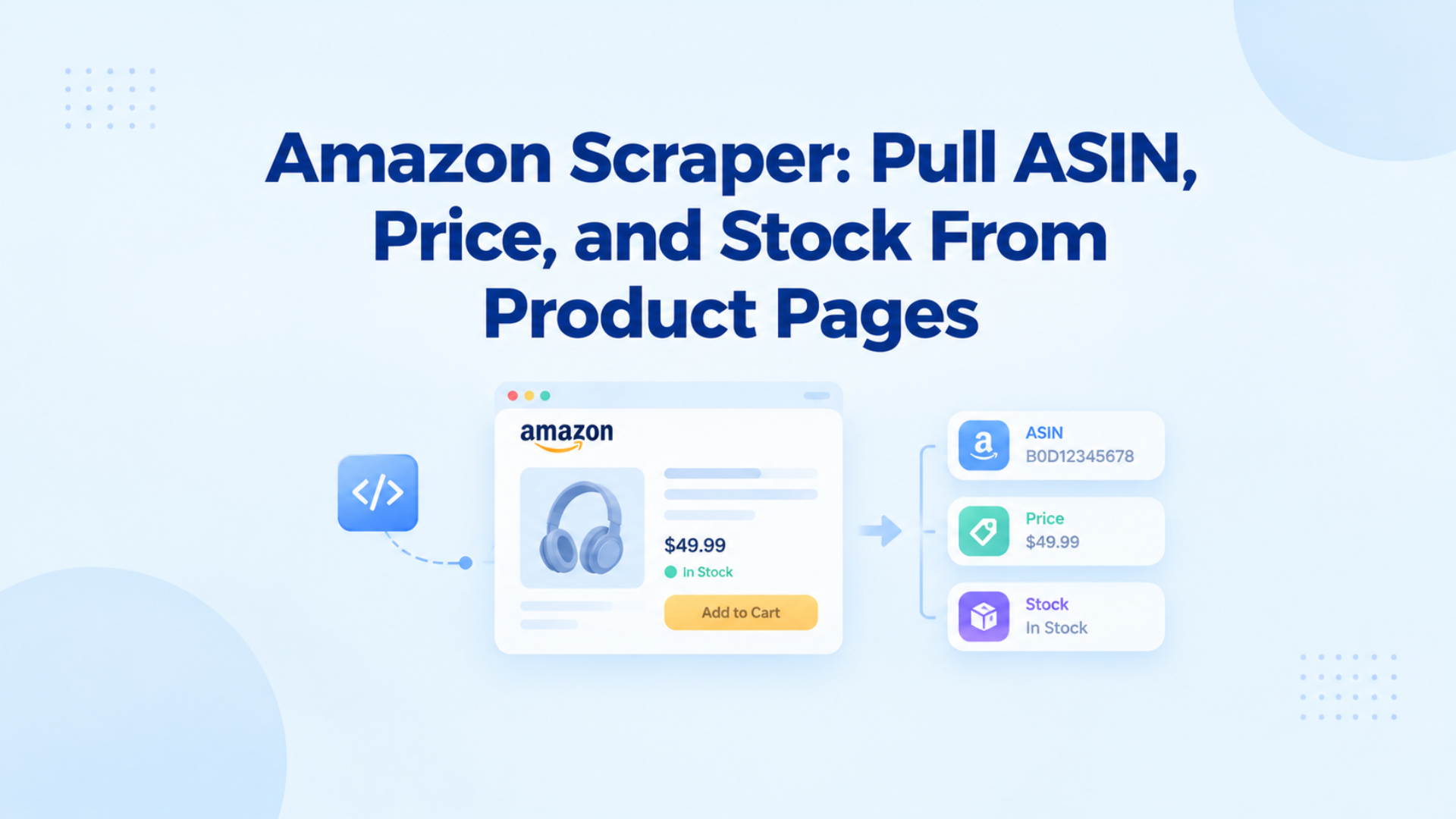
An Amazon scraper is a client that reads public product pages and returns title, ASIN, price, and availability. Send each /dp/ request through a residential proxy. Keep that IP for one ASIN job, then open a new session for the next product.
Key Takeaways
- An Amazon scraper pulls public product fields: title, ASIN, price, and availability.
- Store ASIN, title, price, and availability. Skip fields that only appear after login.
- Put a residential proxy on the client before the first /dp/ request.
- One ASIN job keeps that proxy IP. Rotate between products, not inside one page.
What an Amazon scraper is
An Amazon scraper is a client that fetches a public Amazon product page and reads the fields a logged-out browser can see. The usual payload is title, ASIN, list or deal price, currency, and availability. Teams use it to watch competitor listings and restock signals on a schedule they control.
Amazon scraping is that process on a single /dp/ product page. The client issues HTTP or drives a browser, then stores the four fields. Run it on a schedule you control: one product, then the next. Amazon’s terms restrict automated collection without permission. Monitor public product pages.
When do you use the Selling Partner API instead of an Amazon scraper?
The Selling Partner API (SP-API) is Amazon’s supported interface for sellers and vendors who are authorized on the catalog they manage. It returns inventory, pricing, and order data for your listings. An Amazon scraper in this guide reads public product pages the API does not list for you. Pick SP-API first when you already sell on Amazon and only need your own SKUs.
Read Amazon’s Conditions of Use and your seller agreement before you automate anything.
Which product fields should you collect?
To scrape Amazon product data is to decide which public nodes you will store, not to dump the whole HTML. A monitoring job usually needs a stable product id, a price with currency, and whether the offer is in stock. Extra fields such as bullet points, image URLs, and star average are optional. If a field only appears after login, leave it out.
Search and category pages can feed discovery. Use those listing pages only to collect ASINs you do not already have. The job unit in this guide is still one /dp/ product page. A full site crawl is a different task with a different cadence.
How do you run one Amazon scraper job?
One Amazon scraper job is a single pass at one public /dp/{ASIN} URL that stores title, ASIN, price, and availability. The client can be an HTTP library or a real browser. Amazon scores the exit IP on that request, and a hosting-range address often fails before the price node loads, so the how starts with the proxy, not with the parser.
- You point the client at an HTTP(S) residential proxy (host:port:user:pass as a placeholder). The tunnel should come up before you touch Amazon. HTTP 407 after CONNECT means the proxy credentials failed. Confirm the tunnel on a proxy checker if you are not sure the exit is live.
- You open one public product URL in the form /dp/{ASIN}. Search and category pages can give you that ASIN earlier. This step still loads the product page itself.
- You read the four public fields from that page: title, ASIN, price with currency, and availability. Those are the same nodes as the table above. A logged-out browser should already be able to see them.
- You wait before the next product so the same path is not hit in a burst.
- You keep that proxy IP until this ASIN is stored. The next product starts on a new session.
If the HTTP client only returns a challenge shell, run the same five steps in a real browser stack on the same proxy. Sign-in and cart pages are a different job.
Why does one ASIN job keep the same proxy IP?
A session here is the proxy IP plus cookies and locale Amazon already saw on that product. Step 5 above said to hold the IP until the ASIN is done. Related offers on the same /dp/ page still belong to that shopper. A new IP on the next click looks like a new device mid-page. Sticky means same IP for one job. After the job, you open a new session.
Finish the four fields on that IP. Then stop. Do not rotate inside the product page. Do not add concurrency to “make it faster.” When this ASIN is stored, open a new residential session for the next product.
Remember to keep the same IP for one job. IPOasis dynamic residential proxy, with sticky sessions up to 120 minutes, can change the IP when that window ends. Residential bandwidth on that pool starts at $0.78/GB and traffic never expires.
Collect public Amazon product fields on a schedule you control. Route the scraper through a sticky residential session for each ASIN job.
FAQ
What is an Amazon scraper?
An Amazon scraper is a client that fetches a public /dp/ product page and stores title, ASIN, price, and availability. Those fields are the ones a logged-out browser can see. Use it to watch competitor listings on a schedule. Do not fold login, cart, or checkout into the same job.
Is it legal to scrape Amazon product pages?
Legality depends on Amazon’s terms, your jurisdiction, and how you use the data. This is not legal advice. Public product pages are still covered by Amazon’s Conditions of Use. The supported path for sellers is SP-API.
Can you scrape Amazon without the Selling Partner API?
Yes, if the page is public in a logged-out browser. SP-API covers authorized seller data on your own listings. A scraper reads competitor product pages the API will not list for you. Pick SP-API when you only need your SKUs.
How long should one ASIN job keep the same IP?
Keep the same proxy IP for one product job, then open a new session. Related offers on that /dp/ page can share it. The next product starts a new one.
Is web scraping Amazon the same as scraping reviews?
Web scraping Amazon in this guide means a product page: title, ASIN, price, and availability. Reviews use a different layout and a different pagination path.
Do I need a mobile proxy for an Amazon scraper?
Not as the default. Public metadata usually runs on a residential session. Switch to a carrier exit only after a residential ASN still hits a checkpoint. Mobile is a later step, not the first exit.
Can I scrape Amazon search pages with the same job?
Search and category pages can list ASINs you do not have yet. Treat them as discovery only. The scrape job in this guide still hits one /dp/ URL at a time.
Conclusion
Land ASIN, price, and availability from the public /dp/ page. Put a residential proxy on the client, hold that IP for the job, then open a new session for the next product. Route the scraper through a sticky residential session when you need an IPOasis exit.