Reddit "You've Been Blocked by Network Security": 9 Fixes (2026)
Updated: June 2026
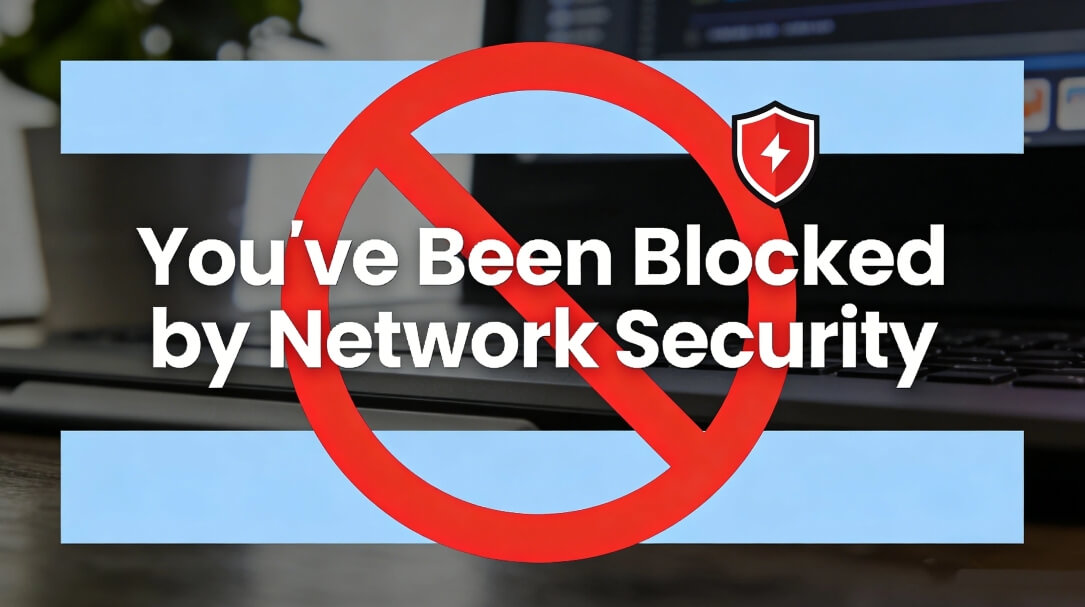
Getting "You've been blocked by network security" on Reddit? In most cases, Reddit's firewall has flagged your IP address, not your account. The usual triggers: you're browsing through a VPN or shared proxy, or your network's IP was abused by someone else before it reached you.
The fix is to change how you connect, not what you do on Reddit. Below are 9 fixes, ordered from fastest to most permanent, including separate steps for the Reddit app and the browser.
What Does “You’ve Been Blocked by Network Security” Mean on Reddit?
This message is Reddit's automated firewall telling you it didn't trust your connection. The system screens every visit before it reaches the site: when the IP address or browser session you're connecting from looks risky, it stops you at the door and shows this error instead.
The key thing to understand: this is a connection-level block, not a punishment. Your account is not banned, and in most cases you did nothing wrong — the IP you happen to be connecting from simply has a bad reputation.
Why Reddit Blocks You: 5 Real Causes
Here are the most frequent reasons users see this message:
- VPN or shared proxy traffic. Free VPNs and cheap shared proxies put thousands of strangers behind the same IP addresses. Run an IP blacklist check on the current exit IP before you retry Reddit. If anyone abused that IP before you got it, Reddit already blocked it.
- Datacenter IPs. Connections coming from hosting providers and datacenters don't look like real home users, so security systems flag them by default.
- An IP with a bad history. Even on a normal home connection, your ISP may have assigned you a recycled IP that was previously used for spam or scraping.
- Public or shared networks. School, office and airport Wi-Fi route hundreds of people through one IP. One bad actor on the network and everyone gets blocked.
- Too many requests, too fast. Aggressive refreshing, browser automation or scraping tools can trip Reddit's rate limits even on a clean IP.
9 Fixes for "Blocked by Network Security" on Reddit
Work through these in order — they run from fastest to most permanent.
- Force refresh the page. Press Ctrl + F5 (Windows) or Cmd + Shift + R (Mac). A cached copy of the page can keep showing the error even after the block is gone.
- Try incognito mode and disable extensions. Ad blockers and privacy extensions are a common trigger. Open Reddit in a private window. If it loads, turn your extensions back on one by one to find the culprit.
- Log in to your Reddit account. Logged-in sessions get more trust from Reddit's security system than anonymous browsing.
- Clear cookies or switch browsers. Old or corrupted cookies can make your session look suspicious. Clear them for reddit.com, or simply try another browser.
- Turn off your VPN or proxy. This is the single most common cause. Free VPNs and shared proxies use IPs that thousands of strangers have already abused. Reddit blocks them on sight.
- Switch networks. Turn off Wi-Fi and use mobile data. If Reddit works on mobile data, you have confirmed the problem is your IP address, not your account or device.
- Restart your router. Power it off for 30 seconds. If your ISP uses dynamic IPs, you may get a fresh one. On a static connection, call your ISP and ask for a new IP directly.
- Wait 10–30 minutes. Many network security blocks are temporary rate limits that expire on their own.
- Switch to a clean residential IP. If Reddit matters to your work, such as marketing, research, or managing communities, this is the permanent fix. More on it below.
On the Reddit App Instead of a Browser?
The app has no extensions, no incognito mode and no refresh shortcut, so fixes 1–4 don't apply. App users should: switch to mobile data (fix 6), log out and back in, update the app, or wait (fix 8). If none of those work, the block is on your IP — keep reading.
Fix It for Good: Use a Clean Residential IP
If the error keeps coming back no matter what you try, the root cause is almost always IP reputation. Datacenter proxies and free VPNs route thousands of users through the same addresses, and security systems like Reddit's have long since flagged them. A dynamic residential proxy works differently: your traffic goes through real household IPs that look like — because they are — ordinary home connections.
With IPOASIS dynamic residential proxies, a flagged address never follows you around — every session can start from a clean home IP. Start a free trial here.
Still Blocked? How to Appeal to Reddit
If even a clean connection doesn't help, the block may be tied to your account or be a false positive. Two official routes: post in r/help describing the error, when it started and what you already tried, or file a ticket with Reddit Support. Appeals are usually reviewed within a few days.
Hitting a different Reddit error? See our guide to Reddit's "Server Error" message.
How to Prevent “Network Security” Blocks in the Future
- Stick to one clean, consistent connection — avoid hopping between free VPNs
- Stay logged in to your Reddit account
- If you manage multiple accounts or run any automation, use dedicated static residential (ISP) IPs instead of shared ones
- Keep your app and browser up to date
To avoid repeat issues, many users choose a trusted dynamic residential proxy like IPOASIS instead of free tools.
FAQs
1. Why is Reddit saying I've been blocked by network security?
Reddit's firewall flagged the IP address you are connecting from — usually a VPN, proxy or shared-network IP with a bad reputation. It is a connection issue, not an account ban.
2. What does it mean to be blocked by network security?
An automated security system refused your connection before it reached the website. The block targets your network or IP address, not your device or account.
3. How long does a Reddit network security block last?
Temporary rate-limit blocks usually clear within 10–30 minutes. IP-reputation blocks stay until you connect from a different, cleaner IP.
4. Will a VPN fix "you've been blocked by network security"?
Usually the opposite — free and shared VPN IPs are the most common trigger. Turn the VPN off, or use a clean residential IP if you need a different address.