ProxyPy Web Proxy: The Complete Guide for Developers
ProxyPy web proxy is one of the fastest and most lightweight ways to run an HTTP/HTTPS proxy server using Python. If you’re a developer, scraper, or automation engineer who needs a simple yet powerful proxy solution, proxy.py is often the first tool people reach for. It’s minimal, async-first, and flexible enough to fit into everything from local debugging to large-scale scraping pipelines.
That said, most guides stop at “how to install and run it.” In real-world use, developers quickly hit questions about authentication, HTTPS handling, stability, and—most importantly—how to scale ProxyPy with rotating residential IPs. This guide covers everything from first setup to production-grade usage, including how to integrate ProxyPy with IPOasis residential proxies for higher success rates and fewer bans.
What Is ProxyPy Web Proxy?
ProxyPy (also known as proxy.py) is an open-source Python-based HTTP/HTTPS proxy server built with an asynchronous architecture. Unlike heavy proxy stacks or GUI-based tools, ProxyPy runs entirely from the command line and can be embedded directly into scripts or services. This makes it ideal for developers who value control, performance, and transparency.
At its core, ProxyPy acts as a middle layer between your client (browser, scraper, bot) and the target website. It supports HTTP tunneling, HTTPS CONNECT requests, and traffic interception. Because it’s written in Python and designed to be modular, developers can extend it for logging, filtering, authentication, or upstream proxy chaining.
Most importantly, ProxyPy is lightweight. It starts fast, consumes minimal resources, and performs well even under concurrent connections—making it a strong base for scraping and automation workflows.
Key Features of ProxyPy Web Proxy
Developers continue to choose ProxyPy web proxy because it balances simplicity with power. One major advantage is its async, non-blocking design, which allows it to handle many simultaneous connections without slowing down. This is especially useful for scraping or testing environments where concurrency matters.
Another key feature is its modular architecture. ProxyPy can be extended with plugins for logging traffic, modifying headers, or enforcing authentication rules. You are not locked into a rigid configuration—you control how traffic flows.
ProxyPy also supports both HTTP and HTTPS traffic, including CONNECT tunneling. This makes it suitable for modern websites that enforce HTTPS by default. Combined with Python’s ecosystem, developers can easily integrate ProxyPy with automation tools, crawlers, or CI pipelines.
Finally, ProxyPy is open-source and actively maintained, which means transparency, flexibility, and community support—important factors for production use.
Step-by-Step Guide: How to Set Up ProxyPy
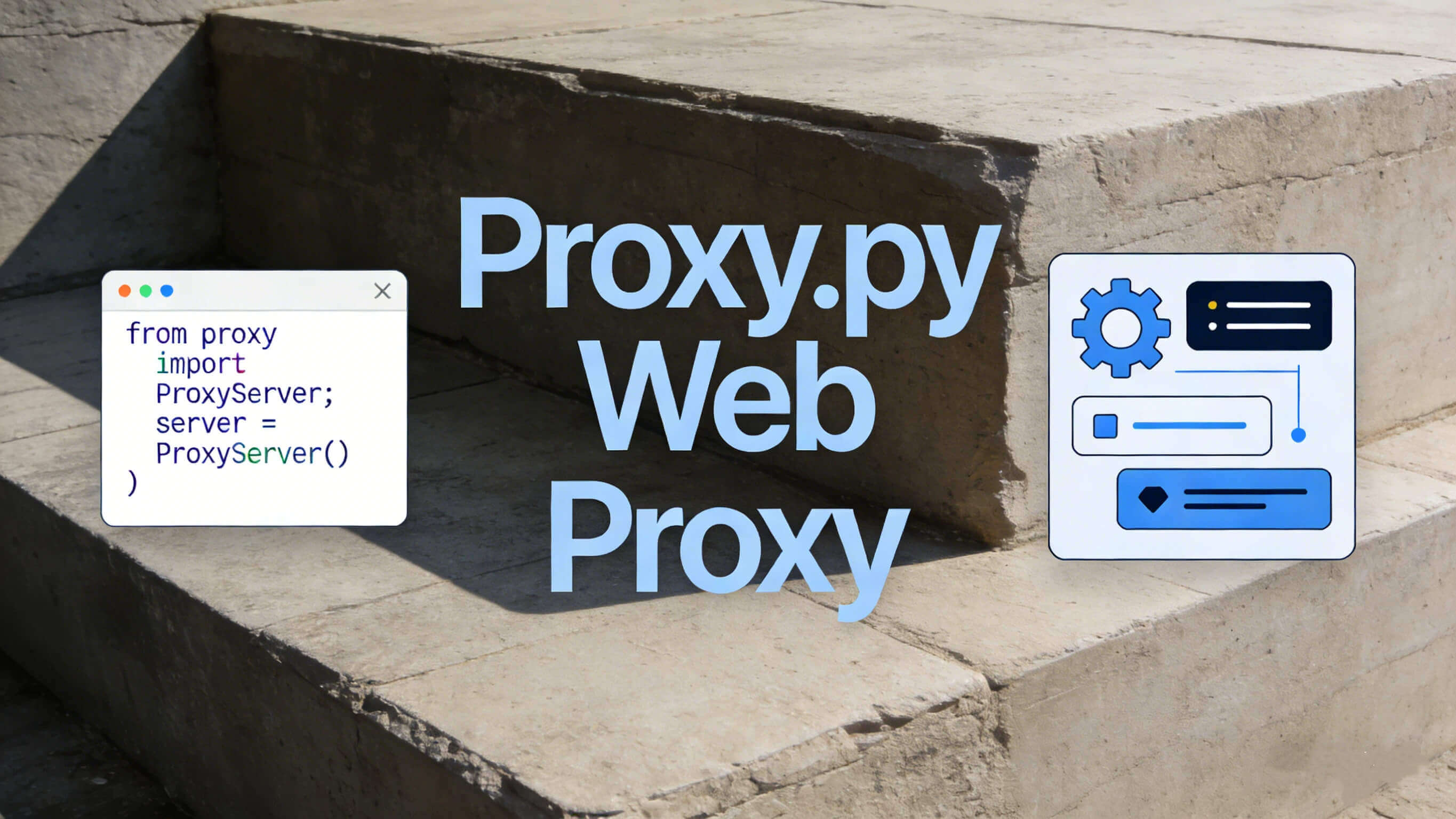
Setting up ProxyPy web proxy is intentionally simple, which is why many developers adopt it quickly. First, make sure you have Python 3.8 or newer installed on your system. ProxyPy works best in a virtual environment, especially if you plan to extend it later.
Install ProxyPy using pip:
pip install proxy.py
Once installed, you can start a basic proxy server with a single command:
proxy --port 8899
At this point, ProxyPy is already functional. You can configure your browser, scraper, or HTTP client to use 127.0.0.1:8899 as its proxy. For many basic tasks—like debugging requests or routing traffic—this setup is enough.
However, real-world usage usually requires authentication, HTTPS handling, and upstream proxy integration, which we’ll cover next.
Common Use Cases for ProxyPy Web Proxy
One of the most common uses of ProxyPy is web scraping and data collection. Developers use it as a controllable proxy layer to route requests, inspect traffic, and apply custom logic before requests hit the target site. This is especially useful when debugging blocked requests or testing headers.
Another popular use case is ad verification and QA testing. ProxyPy allows teams to simulate traffic from different environments and route requests through upstream proxies to see region-specific content or ads.
ProxyPy is also frequently used as an internal network proxy for development teams. Because it’s lightweight and scriptable, it works well for testing APIs, monitoring traffic, or applying request-level rules without complex infrastructure.
In all these cases, ProxyPy becomes even more powerful when paired with high-quality residential proxies.
Advanced Integration: Scaling ProxyPy with Residential Proxies
Most guides ignore the biggest real-world challenge: IP reputation and blocking. Running ProxyPy alone means all traffic comes from a single IP—your server or local machine—which is a fast path to rate limits and bans.
The solution is to chain ProxyPy with an upstream residential proxy provider. This allows ProxyPy to remain your local control layer while IPOasis handles IP rotation, geo-targeting, and reputation management.
With IPOasis dynamic residential proxies, you can configure ProxyPy to forward traffic to an upstream proxy that rotates real residential IPs automatically. This dramatically improves success rates for scraping, automation, and account-based workflows.
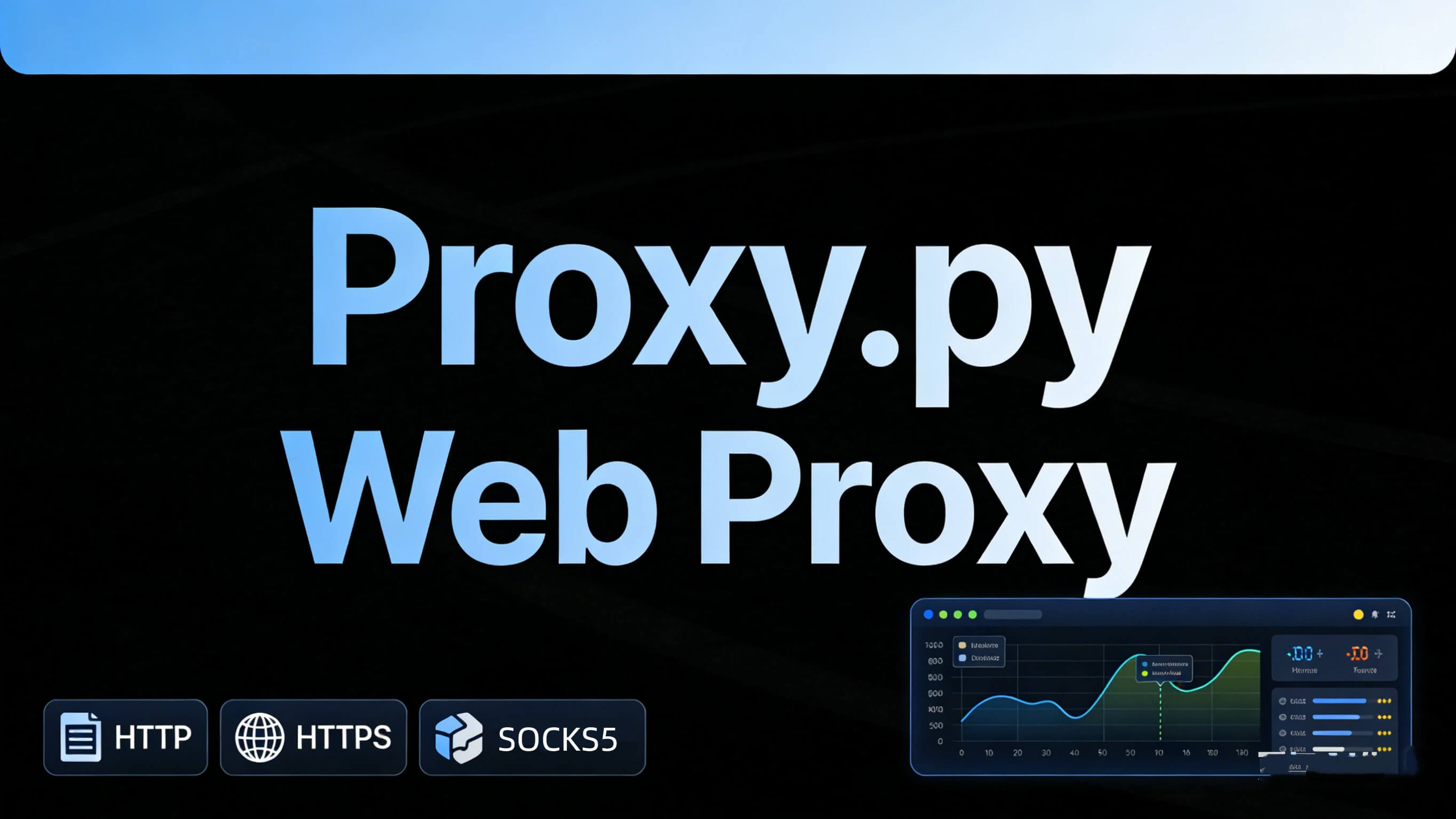
In practice, this setup gives you:
- A clean Python-based proxy layer (ProxyPy)
- Real residential IPs with country, state, or city targeting (IPOasis)
- Fewer CAPTCHAs, blocks, and connection failures
This is the same architecture used by professional scraping teams at scale.
ProxyPy Troubleshooting & FAQ
Does ProxyPy support HTTPS?
Yes. ProxyPy supports HTTPS via CONNECT tunneling. For most scraping and browsing use cases, no extra configuration is needed.
How do I add authentication to ProxyPy?
ProxyPy supports basic authentication through plugins or command-line flags. This is useful when exposing the proxy in shared environments.
Why am I getting timeouts or blocks?
This usually isn’t a ProxyPy issue—it’s an IP reputation problem. Using residential proxies like IPOasis significantly reduces these errors.
Can ProxyPy rotate IPs by itself?
No. ProxyPy does not generate or rotate IPs. It must be paired with an upstream proxy provider for rotation.
Is ProxyPy suitable for production?
Yes, when properly configured and paired with reliable proxies. Many teams use it as a lightweight production proxy layer.
Conclusion
ProxyPy web proxy is an excellent foundation for developers who want speed, control, and simplicity. It’s easy to set up, flexible enough for advanced use, and powerful when integrated correctly. However, ProxyPy alone is not a complete solution for large-scale scraping or automation.
By combining ProxyPy with IPOasis dynamic residential proxies, you get the best of both worlds: full control over your proxy logic and access to clean, rotating residential IPs worldwide. This setup minimizes blocks, improves stability, and scales smoothly as your workload grows.
If you’re serious about using ProxyPy beyond local testing, IPOasis is the missing piece that turns it into a production-grade system.