Price Scraping: Collect Prices Without Getting Blocked
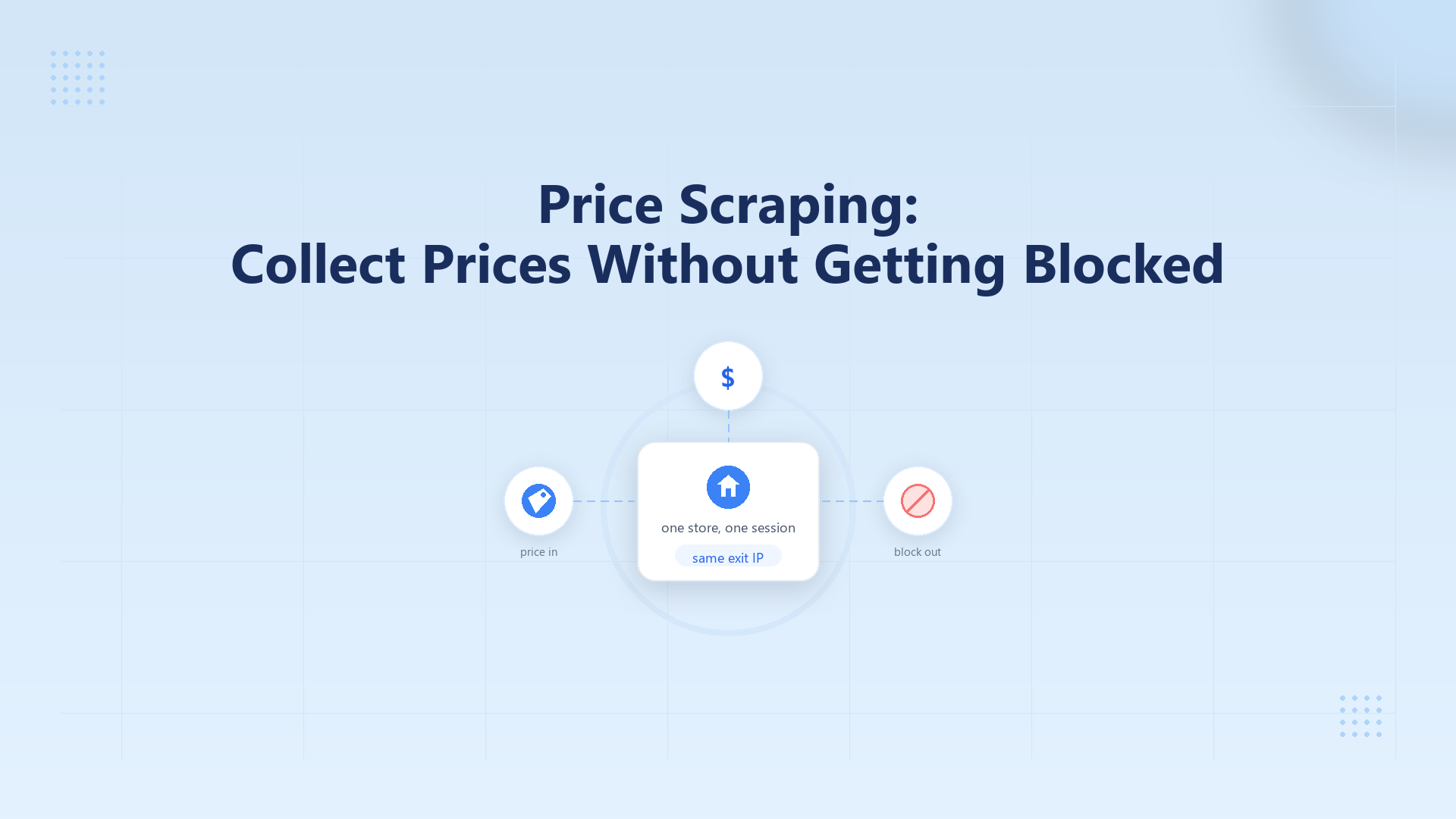
Price scraping is collecting public list prices from store pages with a script, not copying a spreadsheet by hand. Blocks usually come from a datacenter exit, a new IP on every request, or a burst of hits on one path. Log status and body first. Keep one residential session for one store crawl, then rotate between jobs.
Key Takeaways
- Price scraping pulls public list prices. It is not a monitoring dashboard.
- Empty HTML with HTTP 200 is a parse miss. 403/429 is a block.
- One store crawl keeps one IP. Rotate between jobs.
- A price scraper still fails if the exit is a datacenter ASN.
What price scraping is
Price scraping is automated collection of public list prices from product or category pages. The job returns a price, currency, and URL, on a schedule you control. If the page is public in a browser without a login, treat it as in scope. A script issues HTTP. You do not paste cells from a spreadsheet.
Alerts and trend charts sit in monitoring. This job only has to land one page’s list price on a steady fetch. Target terms may still forbid automation. Do not steal another user’s session cookie. Do not drive a login wall that is not yours.
Why do price scraping jobs get blocked?
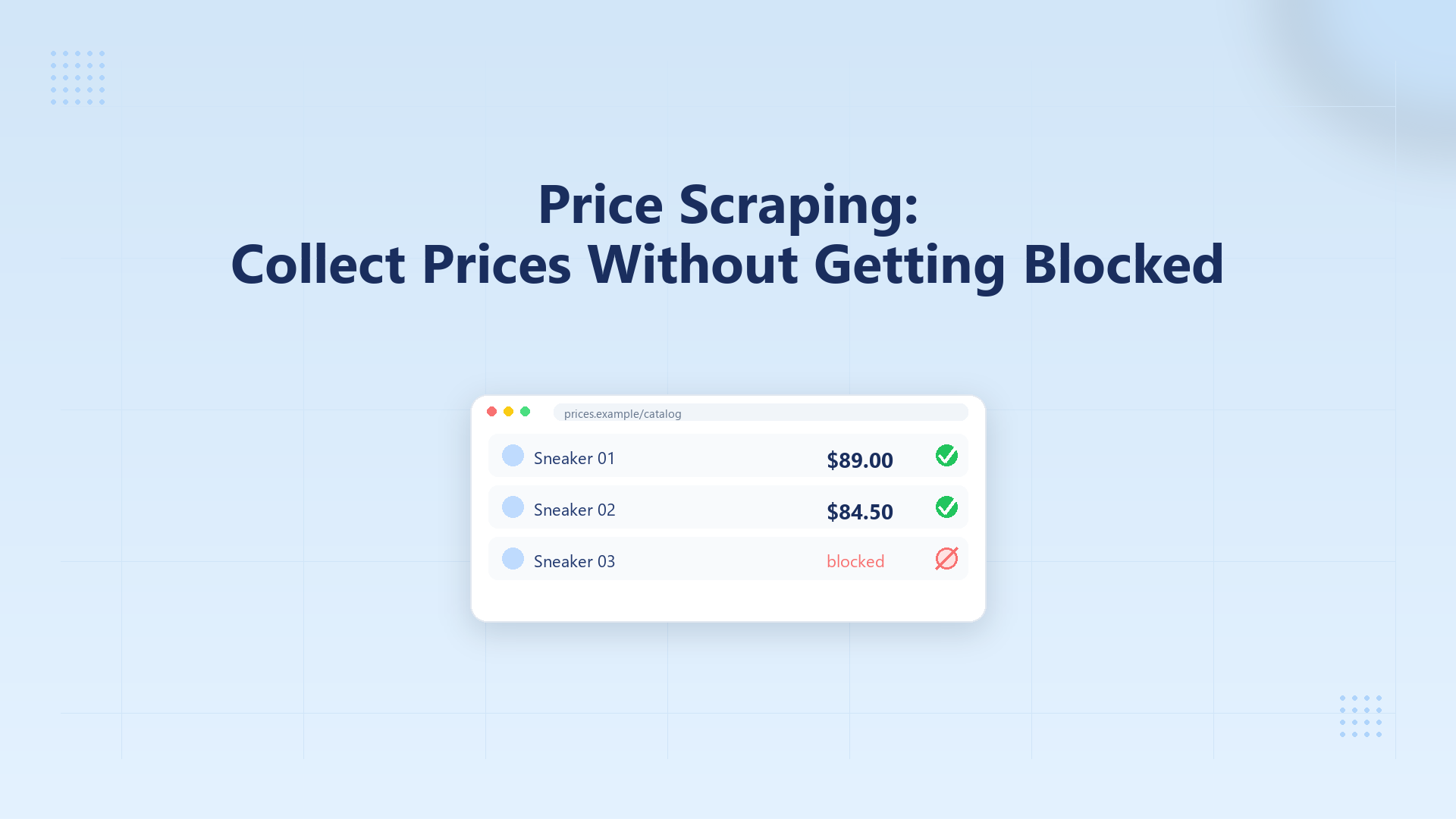
A block here means the store answered, but not with the public price you asked for. You may get HTTP 403, 429, a challenge page, or a 200 with a bot wall. The store scores the exit IP, how fast you repeat the path, and whether the client looks like a browser. A datacenter ASN on a shop URL is the usual first fail.
Three layers show up on price URLs. Hosting ranges and burned exits fail on request one. A burst on /product/ or search fails after a few 200s. A new IP on every SKU drops cookies and locale.
Treat a Cloudflare 403 as an edge refusal. Change the exit and session. A paid captcha solver does not clear this.
How do you tell a parse miss from a block?
A parse miss means the HTTP layer succeeded and your selector missed the price node. A block means the store refused the client or swapped in a wall. Status code alone is too coarse. A 200 with a “just a moment” body is still a block. Saving status, content-type, and a short body slice stops you from rotating IPs on a CSS change.
- Hit the product URL once. Do not loop retries.
- Print status, content-type, and the first 200 characters of the body.
- Match that output to the table. Parse miss, block, or rate.
- Change the exit only on a block. Leave a parse miss on the client.
A 407 or a tunnel failure is proxy user, pass, or port. You have not reached the shop yet. Check the exit IP if the tunnel itself is clean.
What should one price scraper request look like?
A price scraper is the client that fetches one public product URL and reads the list price from the response. It can be Python requests, a browser job, or a hosted tool. The store still sees one IP, one TLS handshake, and one cadence. Put the proxy on that client. If the price is already in the HTML, fix the selector first.
Use the HTTP client you already have. Python requests, curl, and a browser job all take the same fields.
- Attach an HTTP or HTTPS proxy on the client. Use host:port:user:pass. Do not paste a live gateway.
- Send one GET to a full public product URL. Set a timeout around 30 seconds.
- Print status, content-type, and the first 200 characters of the body.
- Stop. Do not loop retries on this probe.
HTTP 200 plus a list-price string in the body is a fetch. 407 is proxy user, pass, or port. 403 or 429 go back to the signal table. Do not raise concurrency on a 403.
If every new IP still 403s, run the job in a real browser stack when every new IP still 403. Do not stack another evasion library on the same handshake.
How do you keep one session for a store crawl?
A session here means the store treats a run of product URLs as one shopper: same exit IP, same cookies, same locale. Price scraping across a category needs that continuity. A new IP on every SKU looks like a new device on every shelf. Sticky means same IP for one job. After the job, you open a new session.
Start from the status and body you already logged.
- Parse miss: stop. Fix the selector.
- Datacenter hard 403: move to a residential exit.
- Every new IP 403s: change the browser stack. Do not add workers.
- A few 200s, then 429: keep one session and slow the queue.
- Store crawl finished: open a new session for the next shop.
Run the store crawl on a sticky residential session so one shop keeps one exit until you store the prices. On IPOasis dynamic residential, a sticky session lasts up to 120 minutes. It starts at $0.78/GB. Unused traffic does not expire. When the window ends, the IP can change. Open a new sticky session for the next job.
Teams that collect public competitor prices from more than one region still pin one session per shop. Match locale to the exit country. Do not point a US client at a JP IP and expect the 403 to clear.
When do price scraping tools still fail?
Price scraping tools are hosted or local products that already parse shop templates. They still leave your network on the wire. The store scores that exit the same way it scores a script. A parser cannot hide a hosting ASN. If the tool shares one IP across customers, those shared blocks show up on your job.
Three misses stay common. The exit is a hosting ASN. The tool rotates IP on every URL inside one shop. The parse rule is stale and HTTP is still 200. Go back to the parse-vs-block table before you buy another seat.
Pick a tool that lets you bring your own residential session. If it cannot, the shop still sees the tool’s shared exit.
FAQ
What is price scraping?
Price scraping is automated collection of public list prices from product or category pages. The client stores a price, a currency, and a URL. It does not have to be a dashboard of alerts. If the page needs a seller login, it is out of scope. Log HTTP status before you treat an empty field as a store block.
Is price scraping the same as competitor price monitoring?
Competitor price monitoring is the product layer: alerts, history, and who should act. Price scraping is the fetch layer: one public page, one price, on a cadence you set. You can monitor without writing a scraper if a vendor fetches for you. You still need a clean exit if you fetch yourself.
Can a datacenter proxy collect store prices?
A datacenter proxy is an exit on a hosting ASN. Many shops score those ranges on the first product URL. Use it against a host you own. For public store prices, start with a residential exit. A 403 on request one is usually the ASN, not your selector.
How long should one store crawl keep the same IP?
Keep the same IP for one store crawl, meaning one job against that shop. Sticky means same IP for one job. When the job ends, open a new session. Do not rotate inside a category page. Do not pin one IP across unrelated shops unless you need that.
Why is the price missing when the status is 200?
HTTP 200 means the server returned a body. The price can still be missing if your selector missed the node, or if the body is a bot wall. Save content-type and the first 200 characters. If the price string is in the HTML, fix the parser. If the body is a challenge, treat it as a block.
Do I need a price scraper or a browser job?
A price scraper here is any client that GETs a public product URL and reads the list price. Python requests is enough when the price is in the first HTML. If every new IP still 403s, the handshake looks like a library. Switch to a real browser stack for that job.
Is it legal to scrape public prices?
This is not legal advice. Public list prices on a page you can open without logging in are the usual monitoring case. The store’s terms may still forbid automation. Do not steal session cookies. Do not drive a login wall that is not yours. Read the target’s terms before you schedule a crawl.
Conclusion
Split a parse miss from a block before you change the exit. Keep one residential session for one store crawl, then open a new session for the next shop. When you need that exit, run the store crawl on a sticky residential session.